Digital work order
Compare the best digital work order for your organisation.
Need help? Start our selection guide or request non-binding advice!










Which package suits you?
Answer a few questions about your organisation and what the software needs to be able to do. The selection guide shows which of these 10 packages fit.
Start the selection guidePrefer personal advice?
Tell us what you are looking for. Sjaak or Auke will help you for free and send you a list of packages that suit you. No obligation.
Request free adviceDigital work order at a glance
Price indications and features as stated by the suppliers. Ratings are the average of the reviews on SoftwareWatcher.
| Software | Rating | From per month | Budget per user per month | Free trial account | Demo | Cloud | Dutch-language |
|---|---|---|---|---|---|---|---|
| Cash | 4,4 / 5 (1) | €35 | €25–€50 | Yes | Yes | Yes | Yes |
| Cleverdesk | – | On request | €10–€50 | Yes | Yes | Yes | Yes |
| vPlan | – | On request | €5–€25 | Yes | Yes | Yes | Yes |
| ServicePlanner | – | On request | €10 or more | Yes | Yes | Yes | Yes |
| Simple-Simon | 5,0 / 5 (1) | On request | – | Yes | Yes | Yes | Yes |
| Bouwmakers Software | – | On request | €5–€75 | – | Yes | Yes | Yes |
| McMain Software | – | On request | €25 or more | Yes | Yes | Yes | Yes |
| OutSmart | 4,4 / 5 (3) | On request | €5–€50 | Yes | Yes | Yes | Yes |
| Bouwapplicatie | – | On request | €1–€10 | – | Yes | Yes | Yes |
| Flixer Pro | – | €65 | €25–€75 | Yes | Yes | Yes | Yes |
Choosing a digital work order: what to look out for?
With a digital work order you record the work on site immediately and can invoice faster. The difference between packages lies mainly in how well they work in the day-to-day practice of your engineers.
On SoftwareWatcher you compare 10 packages for digital work orders. 8 offer a free trial account. The lowest indicative price starts at €35 per month.
- Working offline: in cellars, building sites and remote areas there is not always coverage. Check whether the app also works without internet and synchronises later.
- Photos and signature: record the situation with photos and have the customer sign on site to approve. That way you avoid discussion afterwards.
- Materials and hours: materials used and hours worked go directly from the work order to the invoice. An integration with inventory management keeps your stock accurate.
- Planning: work orders are sent from the schedule to the right engineer, with address and job description.
- Invoicing immediately: the faster a completed work order becomes an invoice, the faster you get paid. Check the integration with your accounting or invoicing software.
- Custom forms: for inspections, checklists and handover reports you want to be able to adapt forms to your own work.
Frequently asked questions about the digital work order
Does a digital work order also work without internet?
With many apps it does, but not with all of them. Test this during a trial period in a place without coverage before you choose.
Is a signature on a tablet valid?
For signing off completed work, a signature on a phone or tablet is common practice and usable as evidence. If you want to have contracts signed, also look at digital signing software.
What is the difference with field service software?
A digital work order is often one component of field service software. If you are also looking for scheduling, routes and maintenance contracts, compare both categories.
Still in doubt? Start the selection guide or request free advice.
This selection guide was written and checked by Auke Westra, founder of SoftwareWatcher. Last checked on .
What is a digital work order?
A digital work order is an electronic document that indicates which tasks need to be carried out. This work order is usually accessible via an app. For example, employees of a company can see in the app on their tablet or smartphone which location they have to go to and which work has to be carried out there. The app enables them to prepare the job and offers room to view relevant photos or documents for the assignment. They can also register the materials used and hours worked in this app. After the work is completed, the customer can sign the work order digitally to confirm the work delivered. This approval can be reinforced with photos of the completed work. All this data is stored in the customer file. As soon as the work has been completed and signed, the digital work order is forwarded to the administration where it is processed into an invoice.
Creating a digital work order yourself
Digital work order software streamlines the management of work orders from creation to invoicing. The process starts with creating work orders, manually or automatically via integrations with systems such as CRM. Work orders are efficiently assigned to teams or employees based on criteria such as availability and skills. Field service employees get mobile access to the work orders via an app, with which they manage the execution of tasks, time and materials. After completion, work is reported and invoices are generated. The software also offers tools for detailed reports and analyses to improve processes and efficiency.
Step 1: Creating a work order: The process begins with creating new work orders within the digital work order software. This can be done manually by an administrator or automatically via integrations with other systems, such as a CRM or scheduling tool.
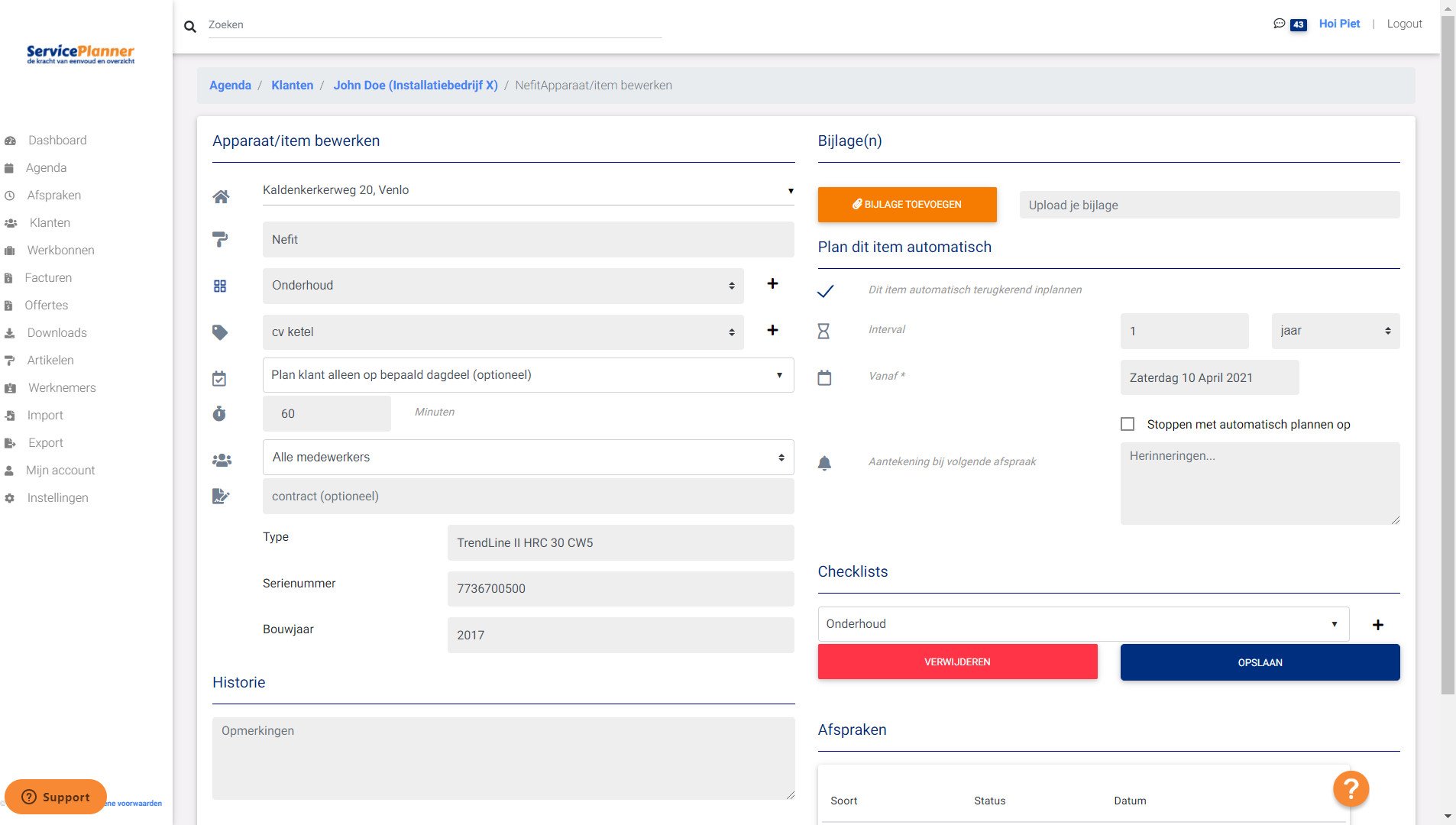
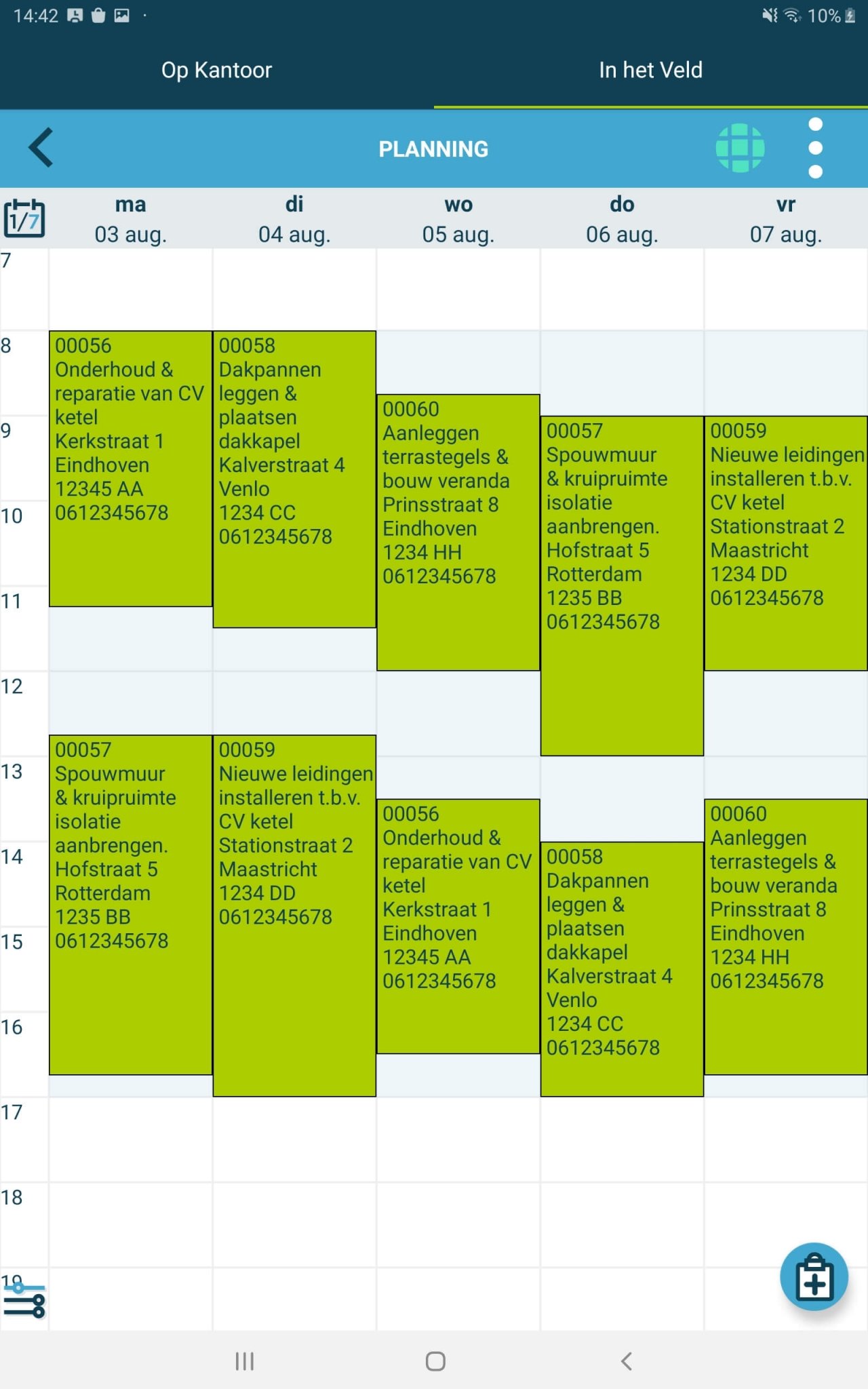
Step 2: Assignment and scheduling: Next, the work orders are assigned to the right employees or teams. Availability, location, skills and other relevant criteria are taken into account. The schedule overview within the digital work order software allows administrators to assign tasks efficiently.
Step 3: Mobile access for field service employees: As soon as a work order has been assigned, the employee concerned receives a notification via the mobile app of the digital work order software. Via this app they have immediate access to all the information they need, such as the work assignment, customer details, instructions and any attachments.
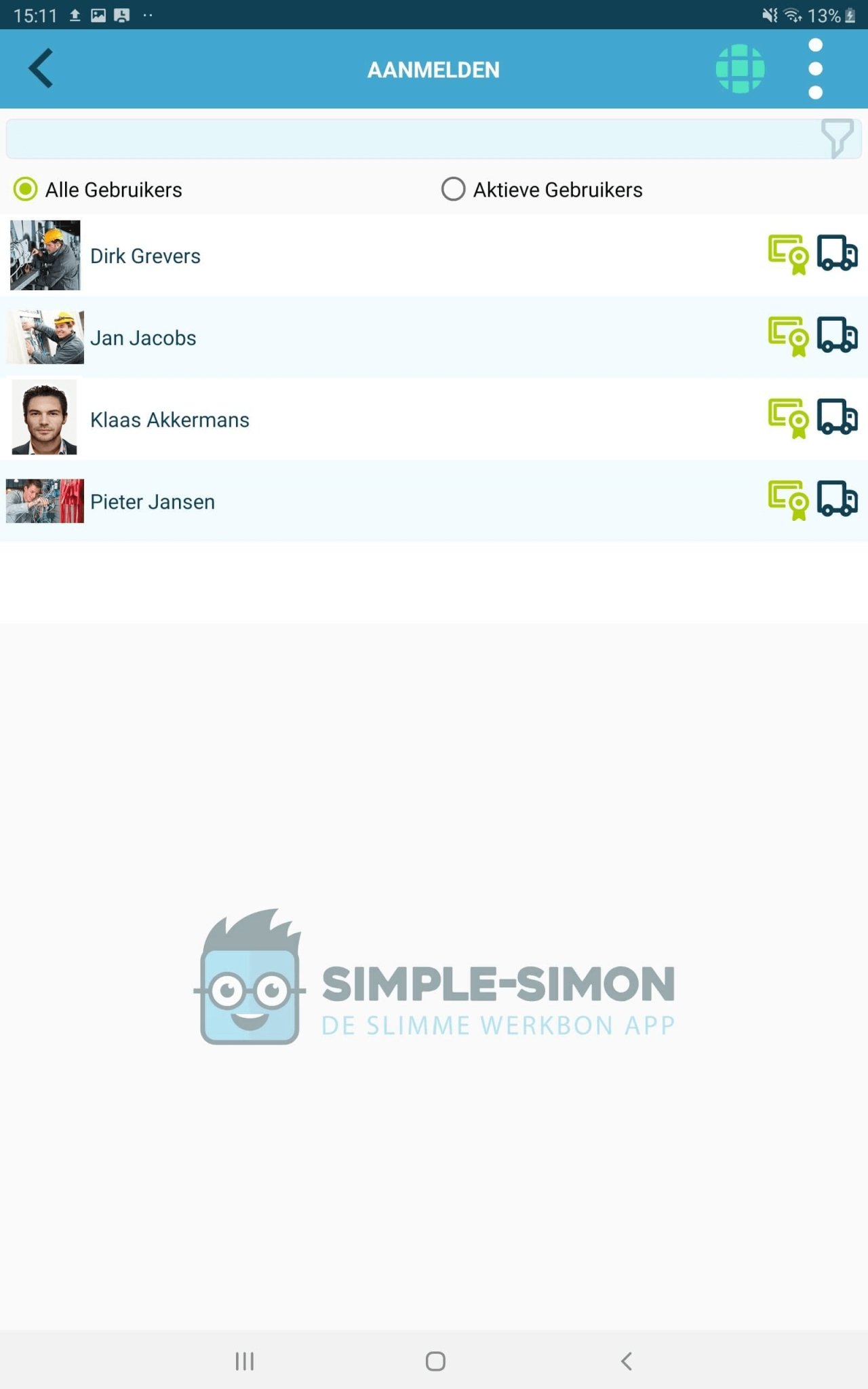
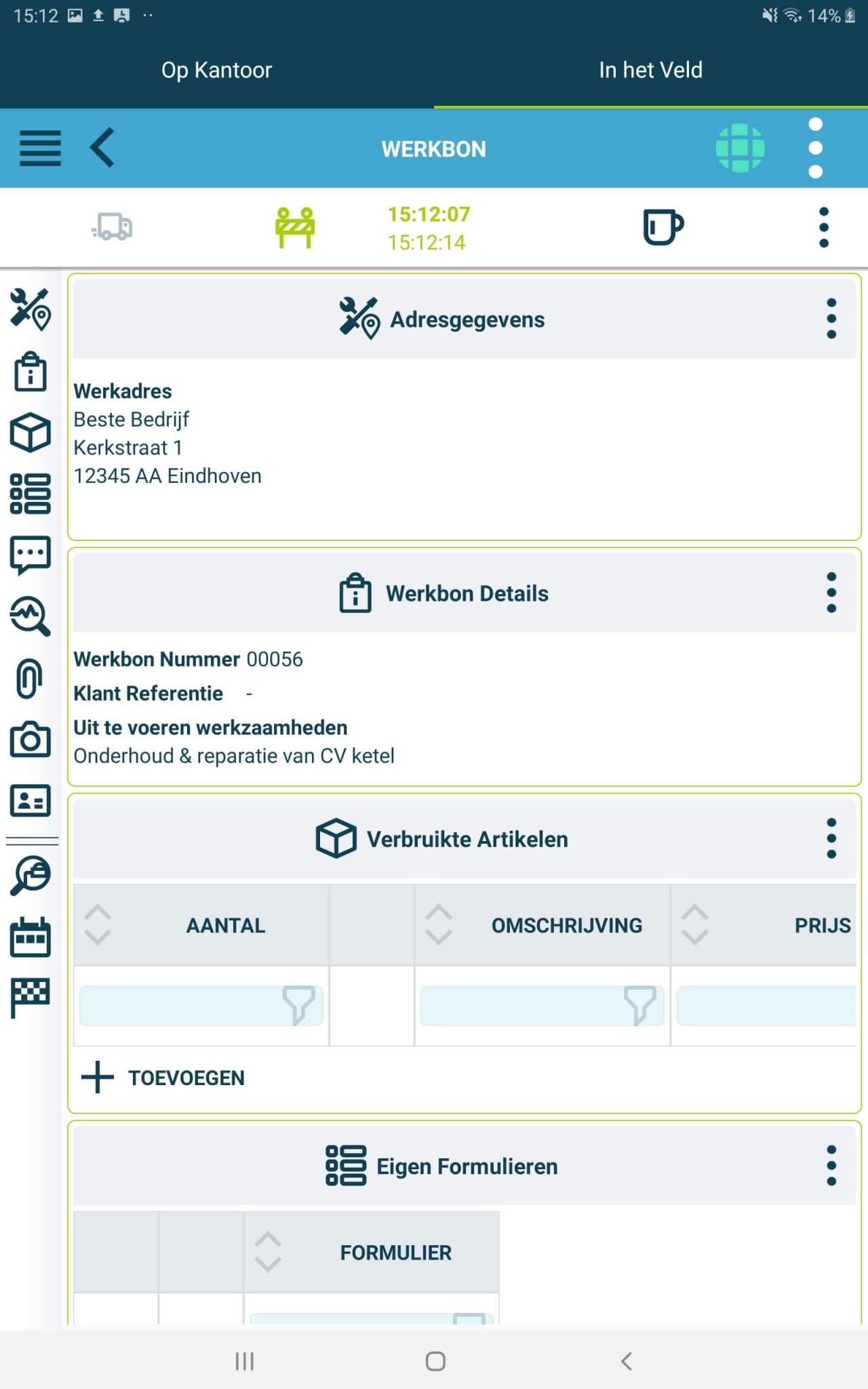
Step 4: Carrying out the work: The field service employee goes to the location of the work order and carries out the required work. While carrying out the task, the employee tracks progress via the app. They can share updates, upload photos and report any changes or problems.
Step 5: Time registration and materials management: The digital work order software also offers time registration functionality, in which employees can register the hours worked started and completed. In addition, materials management is often available, in which the employee can register materials that were used or consumed during the execution of the work order.
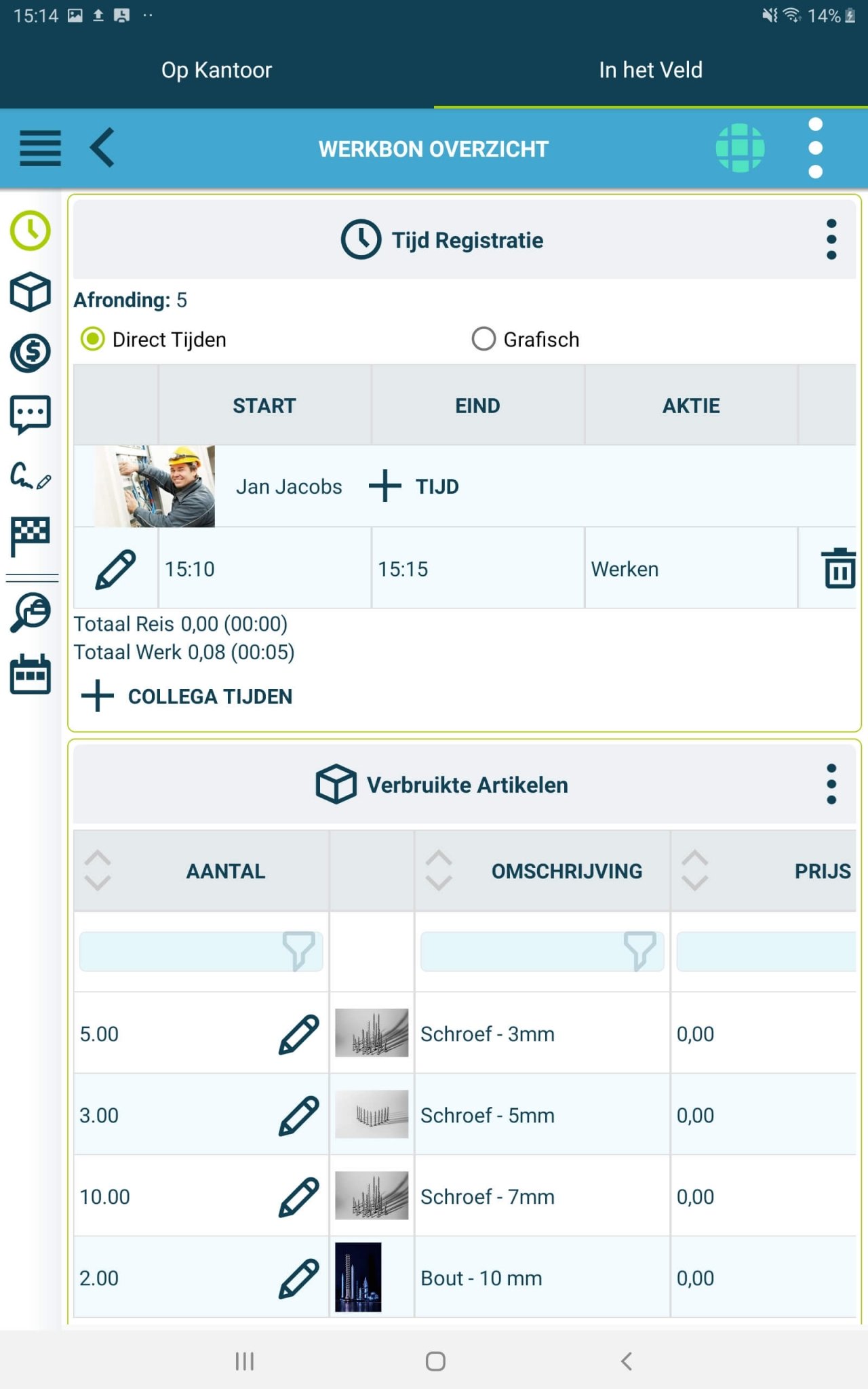
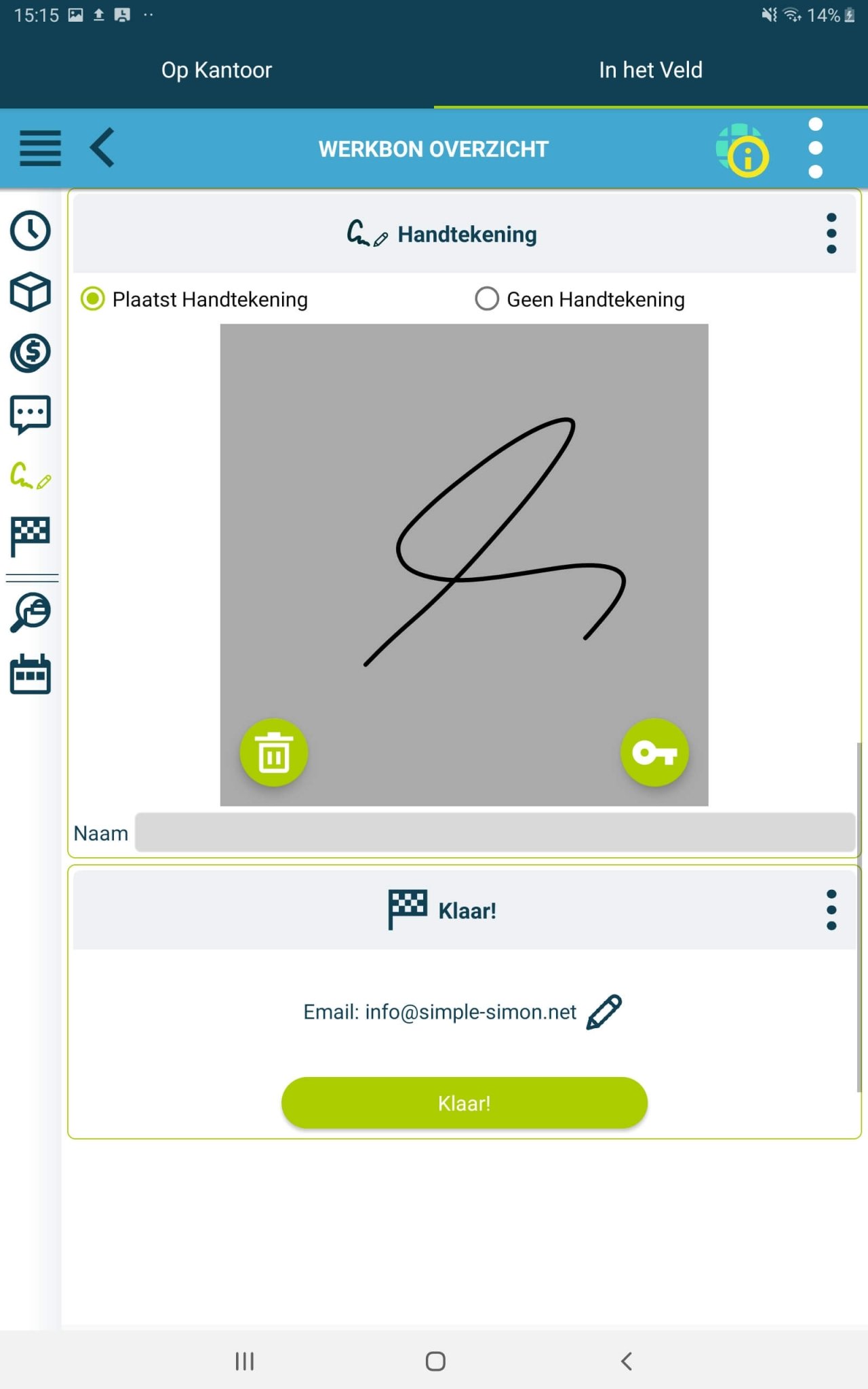
Step 6: Completion and reporting: After completing the work, the employee can mark the work order as completed in the app. If necessary, electronic signatures from the customer can be captured. The digital work order software automatically generates a detailed report of the work carried out, including time registrations, material usage and any comments or recommendations.
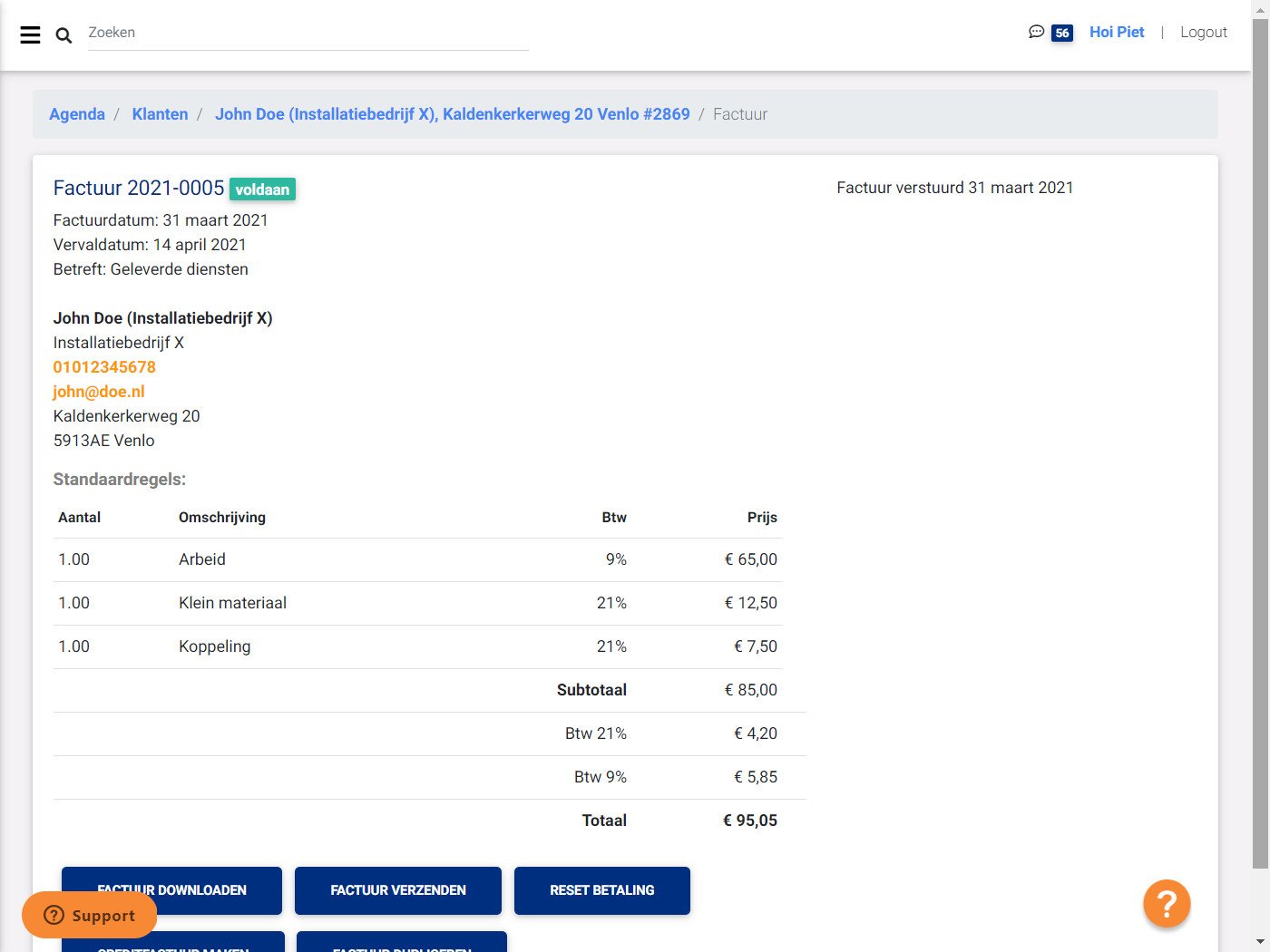
Step 7: Invoicing: Based on the completed work order, the digital work order software automatically generates an invoice or the data is forwarded to the accounting system for invoicing. This ensures an efficient and accurate invoicing procedure.
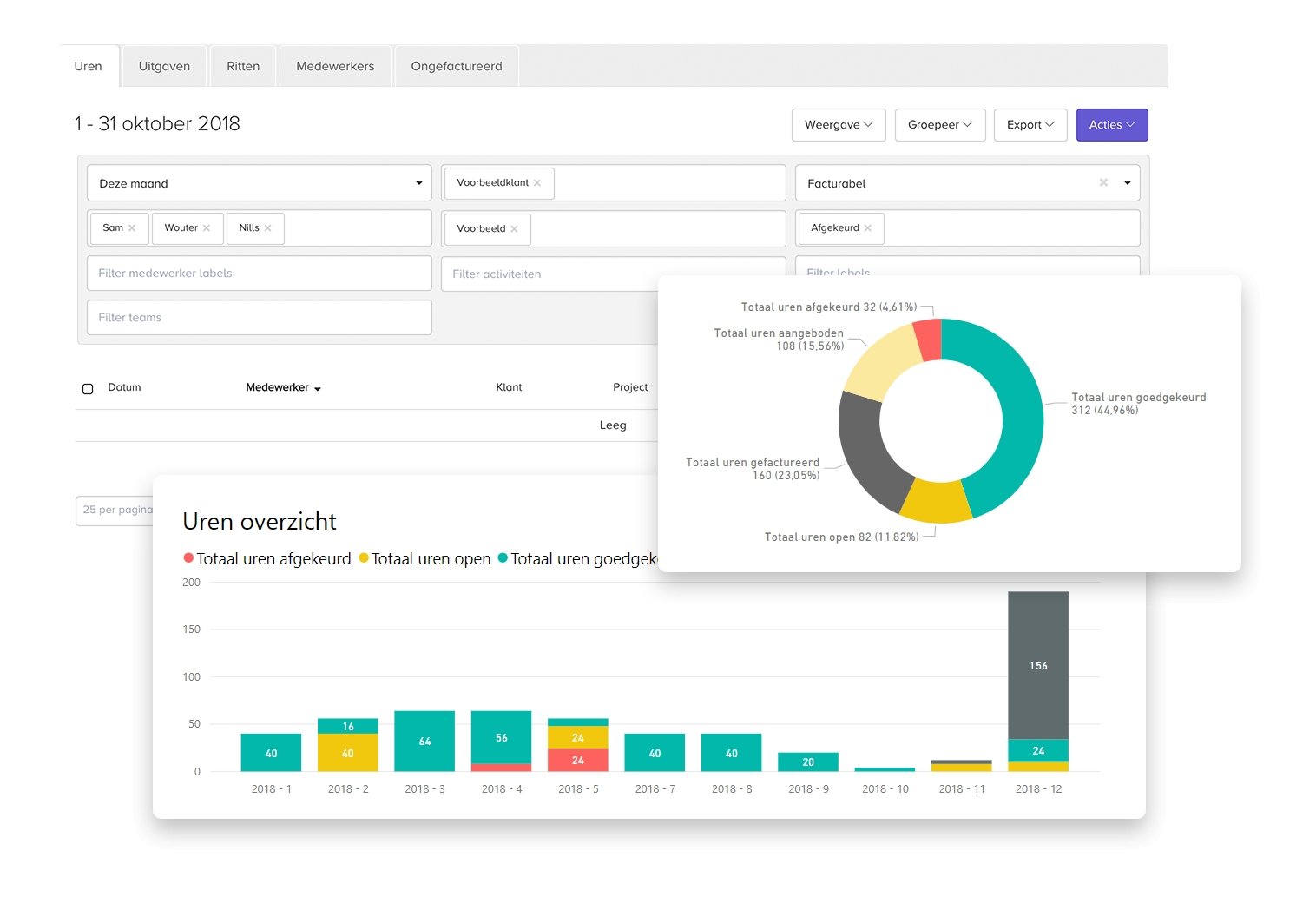
Step 8: Reporting and analysis: In addition, the digital work order software offers possibilities for reporting and analysis. Administrators can generate detailed reports on the work carried out, employee performance, customer satisfaction and other relevant statistics. These insights can be used to optimise processes, improve efficiency and make better decisions.
This is in short how you create a digital work order. This process can therefore vary depending on the specific features and customisations of the software used. Do you want to know which software for creating a digital work order suits you best? Then use our simple selection guide:
Software advice from SoftwareWatcher
Need advice on the best digital work orders? Get in touch now and we will draw up a list of the best software for your organisation.
Non-binding and without obligation