Accounting software
Compare the best accounting software for your organisation.
Need help? Start our selection guide or request non-binding advice!

In the Spotlight







Which package suits you?
Answer a few questions about your organisation and what the software needs to be able to do. The selection guide shows which of these 29 packages fit.
Start the selection guidePrefer personal advice?
Tell us what you are looking for. Sjaak or Auke will help you for free and send you a list of packages that suit you. No obligation.
Request free adviceAccounting software at a glance
Price indications and features as stated by the suppliers. Ratings are the average of the reviews on SoftwareWatcher.
| Software | Rating | From per month | Budget per user per month | Free trial account | Demo | Cloud | Dutch-language |
|---|---|---|---|---|---|---|---|
| e-Boekhouden.nl | 4,8 / 5 (2) | €14,50 | €1–€25 | Yes | Yes | Yes | Yes |
| Boekie | – | From 25 | €25 or more | Yes | Yes | Yes | Yes |
| AFAS SB | 4,6 / 5 (1) | €59 | €50–€75 | Yes | Yes | Yes | Yes |
| Cash | 4,4 / 5 (1) | €35 | €25–€50 | Yes | Yes | Yes | Yes |
| Exact for Finance | – | From € 279 per month | €5–€50 | Yes | Yes | Yes | Yes |
| Asperion - Online Boekhouden | – | On request | €5 or more | Yes | Yes | Yes | Yes |
| FinMaster accounting software | – | On request | €25–€50 | – | Yes | Yes | – |
| Vixum | – | On request | €1–€5 and €10–€25 | Yes | Yes | Yes | Yes |
| Yuki | 4,9 / 5 (2) | On request | – | – | Yes | – | – |
| Exact for ERP | – | €186 | €5–€50 | Yes | Yes | Yes | Yes |
| Bizcuit | 3,7 / 5 (2) | On request | – | – | Yes | Yes | Yes |
| Kleisteen online administration | – | On request | – | Yes | Yes | Yes | Yes |
| KING Software | – | On request | – | Yes | Yes | Yes | Yes |
| MoneyMonk | – | On request | – | Yes | Yes | Yes | Yes |
| Informer Online Nederland B.V. | – | On request | – | Yes | Yes | Yes | Yes |
| 7x24.NL | 4,9 / 5 (14) | On request | – | Yes | Yes | Yes | Yes |
| MKB-Logic Online Administratie | – | On request | – | Yes | Yes | Yes | Yes |
| Tellow | 4,0 / 5 (1) | On request | – | Yes | Yes | Yes | Yes |
| Paperdork | – | On request | – | – | Yes | Yes | Yes |
| Gekko | 4,6 / 5 (4) | On request | €1–€10 | – | Yes | Yes | Yes |
| Silvasoft | 3,4 / 5 (1) | On request | – | Yes | Yes | Yes | Yes |
| Yoursminc | – | On request | – | Yes | Yes | Yes | Yes |
| Rompslomp | 4,8 / 5 (1) | On request | €1–€25 | Yes | Yes | Yes | Yes |
| Moneybird | – | On request | – | Yes | Yes | Yes | Yes |
| Jortt | 5,0 / 5 (1) | On request | – | – | Yes | – | – |
| Gravita | 4,4 / 5 (2) | On request | – | Yes | Yes | Yes | Yes |
| fENNA invoicing and bookkeeping | – | On request | – | – | Yes | – | – |
| DigiBoox | 5,0 / 5 (1) | €12,50 | €5–€10 | Yes | Yes | Yes | Yes |
| Minox | – | On request | – | Yes | Yes | Yes | Yes |
Choosing accounting software: what should you look for?
Good accounting software does most of the work itself: bank transactions come in automatically and invoices are booked for you. What you need depends on your legal form and on who does the bookkeeping. Look out for these points.
On SoftwareWatcher you compare 29 packages for accounting software. 22 offer a free trial account. The lowest price indication starts at €12,50 per month.
- Bank integration: check whether your bank can be connected, so that statements come in automatically and the software makes booking suggestions.
- VAT return: with a direct integration with the Dutch Tax Administration (Belastingdienst) you file the return from the package. If you have customers in the EU, also look at the ICP return.
- Purchase invoices: with scan and recognise you submit receipts and invoices via an app or email and they are read in for you. With many invoices, separate invoice processing software is sometimes handier.
- Invoicing: if you send a lot of invoices, look at templates, recurring invoices, payment via iDEAL and e-invoices in UBL format.
- Working with your bookkeeper: an accountancy portal or user rights for your bookkeeper prevent you from emailing files back and forth.
- Growth: cost centres, multiple administrations, inventory and foreign currencies are things you may need later. Switching takes more time than you think.
- Security: ask about two-step verification, backups and storage in Europe. You must keep your administration for seven years, even if you switch packages.
Frequently asked questions about accounting software
Is free accounting software enough?
For a starting freelancer with few bookings it often is. Watch out for limits on the number of invoices or bookings and for functions that are only in paid versions. Also read what is really free.
Which accounting software suits a freelancer?
Choose a simple package with bank integration, invoicing, VAT return and an overview for income tax. More tips can be found in the best accounting software for freelancers.
How do you switch to different accounting software?
Preferably switch at the start of a financial year and carry over the opening balance and outstanding items. Make sure you can keep viewing the old administration. Read what to look out for when switching.
From the knowledge base
- Accounting with AI: what does the software really automate?
- Moneybird vs e-Boekhouden.nl: costs, ease of use and automation compared
- Invoicing via Peppol: comparing software for sending and receiving
- When do you need a ticketing system? From shared mailbox to helpdesk software
Still in doubt? Start the selection guide or request free advice.
This selection guide was written and checked by Sjaak Schokker, co-founder of SoftwareWatcher. Last checked on .
How do you choose the best accounting software?
Are you looking for the best accounting software of 2026? When choosing accounting software it is important to take various factors into account. The most important ones are below:
- Outsourcing or doing it yourself: Decide whether you want to do the bookkeeping yourself or outsource it. Many accounting packages offer options for working together with an accountant.
- Integrations with other systems: Check whether the accounting software can integrate with systems such as webshop software or POS systems. This saves time and reduces errors.
- Features: Determine which features you need in accounting software. Think of bank integrations, scanning receipts, VAT returns, a digital archive, invoicing options, CRM and mileage tracking. Read this blog if you want to know what the most important features of accounting software are.
- Costs: The prices of accounting software vary. Make a list of programs that meet your requirements, compare their features and then look at the costs.
- Trial accounts and demos: Try out accounting software or request a demo to see whether it meets your needs. Every business has different needs, so make sure you choose accounting software that fits your specific situation.
Do you want to know more about how to choose the best accounting system? Then read this blog.
What should you look out for?
- Outsourcing or doing it yourself
- Integrations with other systems
- Features
- Costs
- Trial accounts and demos

What is the best accounting software?
"There is no such thing as the best accounting software". Choosing the best accounting software for your business is an important decision and depends on your specific needs, as well as the software and knowledge you already have in house.
As a freelancer you have different requirements than an SME or a large company. You want the accounting software to be easy to use, especially if you do not know much about bookkeeping. It is also handy if the software can handle other things too, such as time tracking per project.
SMEs often already have other software, for example for project management and time tracking. That is why they focus mainly on the bookkeeping functionality of accounting software.
To make choosing the best accounting software easier, use SoftwareWatcher's simple selection guide. Go through a few questions and you get a list of suitable accounting software. With filters you can refine the results further. Then you compare the software on price and reviews.
Do you need more information about the features of the accounting software? The descriptions next to the filters give clear information, so you know which features are important to you. With this approach you quickly and easily find the best accounting software that suits your business.
What is easy accounting software?
Finding easy accounting software depends on who uses it: a freelancer, an accountant or an SME. Accounting software focuses on specific target groups. For example, freelancers want to be able to keep their books simply without complicated terms, whereas accountants are precisely looking for that.
Below is an overview of some easy-to-use accounting software:
Easy accounting software for freelancers:
- AFAS SB
- E-boekhouden
- Rompslomp
- Jortt
Easy accounting software for SMEs:
- Twinfield
- Exact Online
- Cash by Visma
- AFAS ERP
Is there free accounting software?
Yes, free accounting software exists. Many starting entrepreneurs choose Excel, for example. Other free accounting software options are also available. However, these often have certain limitations. Many software companies offer a free basic version (freemium) to attract customers. This free version usually has limited functionality, such as a maximum number of invoices that may be sent or a limited number of bank transactions that can be processed, before payment is required.
Here are some examples:
• E-boekhouden: first 15 months free, then paid.
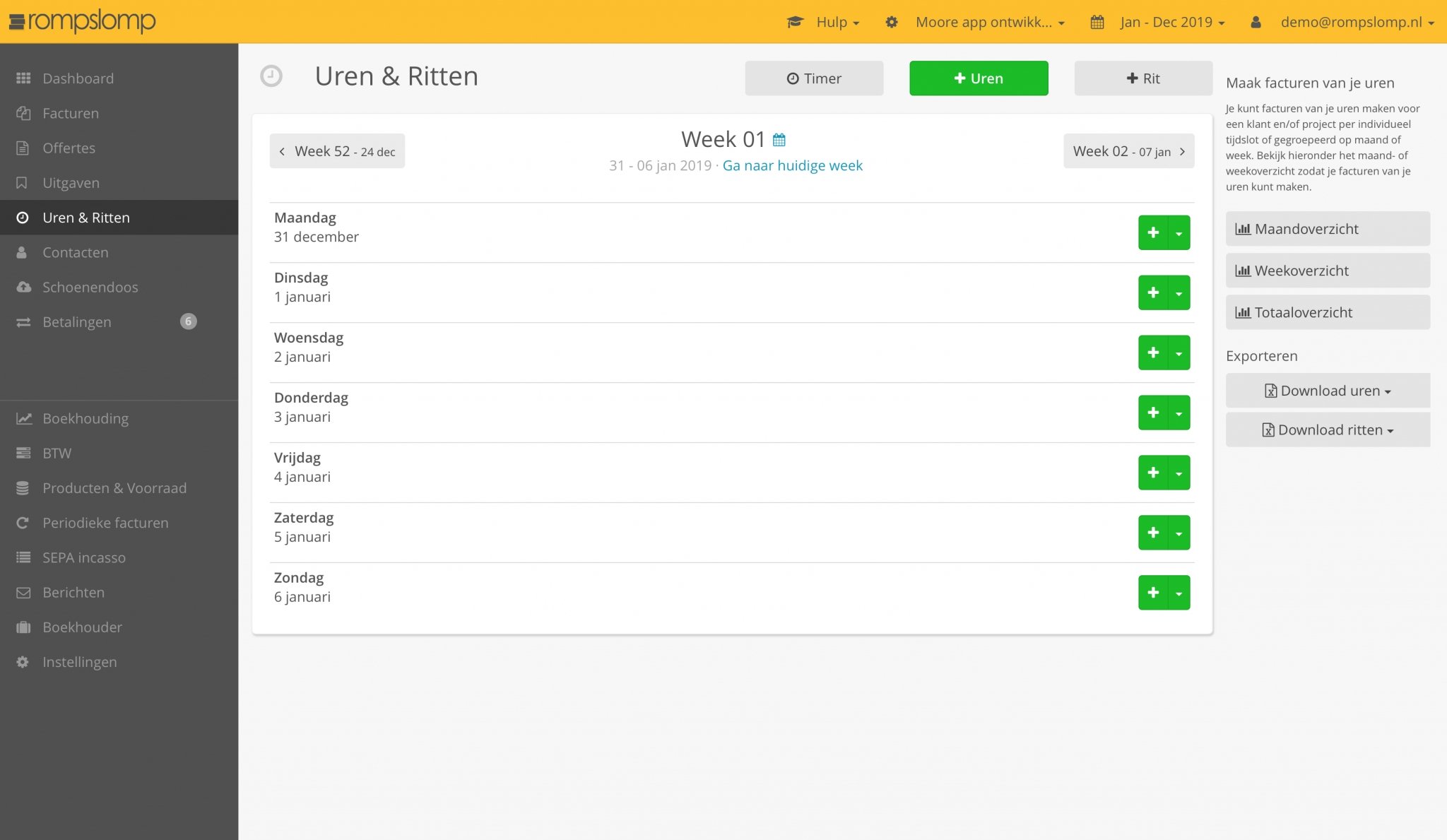
• Rompslomp: only for creating invoices and quotations.
• Gekko: options for invoicing, up to 3 quotations, and 5 iDEAL payments.
• Tellow: up to 3 invoices per month, manual VAT return instead of automatic,
automatic recognition and processing of 20 receipts.
• Digi BTW: only for sending invoices.
Accounting software for freelancers
Accounting software is often one of the first software tools a freelancer buys. For a freelancer, choosing the right accounting software is crucial, but it depends heavily on your specific needs.
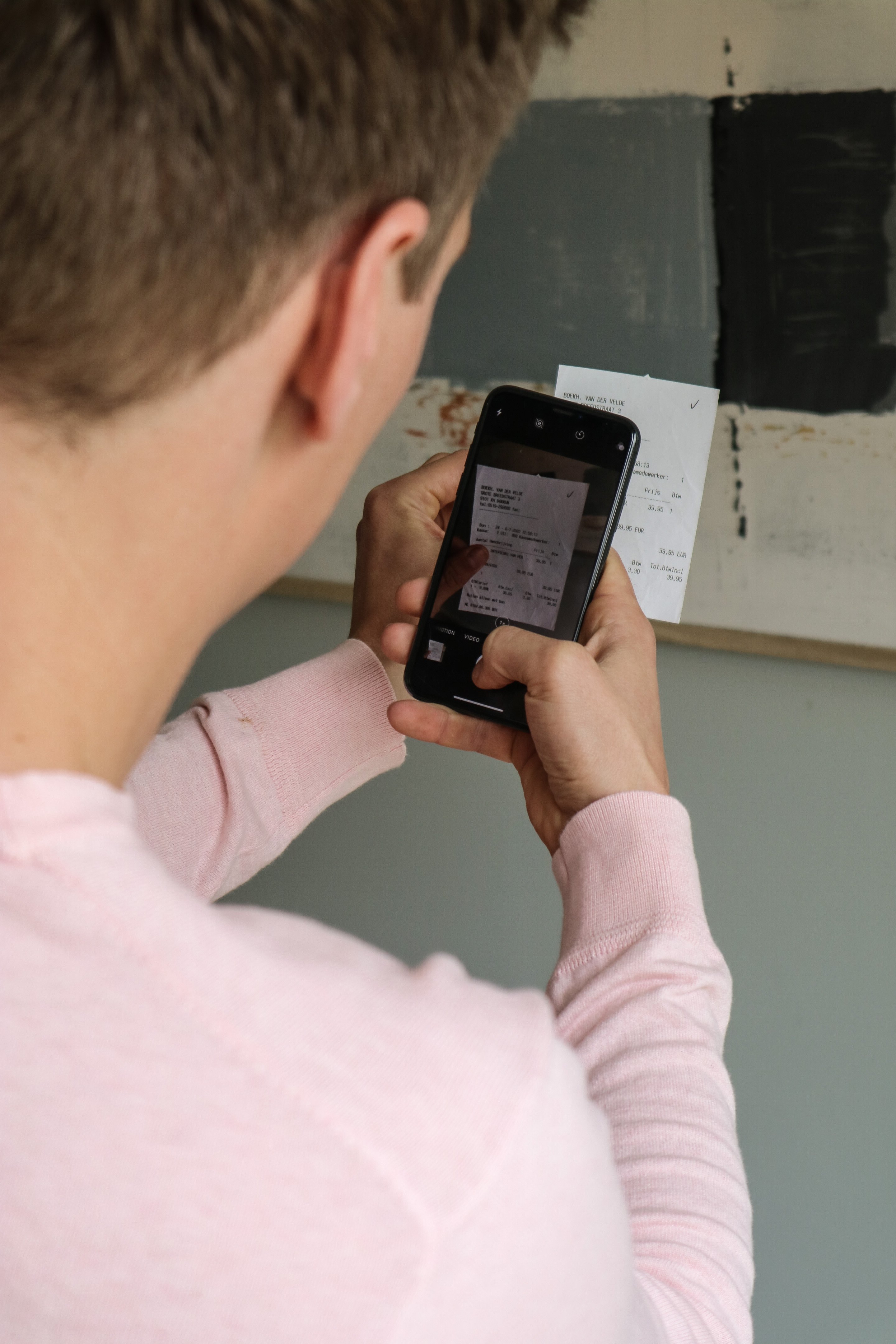
There are some general must-have features: automatic bank integration, scanning and recognising receipts and invoices, automatic booking suggestions, VAT returns linked to the Dutch Tax Administration (Belastingdienst), and a digital archive.
Beyond that, specific features can vary. An invoicing module is essential if you send invoices often, while recurring invoicing is handy for repeat customers. Payment links on invoices speed up payments, and a CRM module helps you manage customer relationships. Other options are quotation management, automatic payment reminders, mileage tracking and inventory management.
In the next blog "The best accounting software for freelancers" we have put together an overview of which accounting features matter for each type of freelancer.
What does accounting software cost per month?
The monthly costs of different accounting software can vary considerably, depending on the provider and the features offered. Below you will find an overview of what you can expect to pay per month for accounting software.
Cost of accounting software for freelancers
For self-employed entrepreneurs there are basic accounting packages available that usually cost between €10 and €25 per user per month. These packages offer all the functions you need to keep your finances in order without extra complexity.
Cost of accounting software for SMEs and large companies
If your company needs more advanced features, such as automatic bank integrations or advanced invoicing options, you can expect prices to start at around €30 to €50 per user per month. These systems offer more extensive support and features that are essential for larger organisations.
Freemium options (free)
Some providers offer a free entry-level model, which can be ideal for new entrepreneurs or small businesses with minimal accounting needs. These freemium models can be a good way to start without upfront costs, and you can upgrade to paid features later as your business grows.
Always compare what each provider has to offer and consider which features are crucial for your business. Price alone does not always give a full picture of the value, so take a close look at the features and any extra costs for add-ons or additional users.
Monthly costs of accounting software
| Software | Suitable for | Price |
|---|---|---|
| e-Boekhouden.nl | Freelancers, SMEs | €9,95 per month |
| Silvasoft | SMEs, large companies | €12,95 per month |
| AFAS SB | Entrepreneurs, freelancers, small businesses | €59,00 per month |
| MoneyMonk | Freelancers | From €7,50 per month |
| Myfinance | Freelancers | €10,00 per month |
| Ficsus | Freelancers, SMEs | €14,50 per month |
| Rompslomp | Freelancers, small businesses | €15,00 per month |
| DigiBTW | Freelancers | €10,00 per month |
| Visma eAccounting | SMEs | €21,- per month |
| CASH | SMEs | From €35,- per month |
| Accounting with ERP software from AFAS | SMEs, large companies | Price on request |
| InformerOnline ZZP Basis | Freelancers, SMEs | €15,00 per month |
Software advice from SoftwareWatcher
Need advice on the best accounting software? Get in touch now and we will draw up a list of the best software for your organisation.
Non-binding and without obligation