
- 08-05-2020
- 13:00
- timer 1 minute
Compare business software
SoftwareWatcher makes it possible to compare business software in a simple and independent way. A handy tool you can use for this free of charge is our software selection tool. See the yellow button at the top right. Once you have gone through the software selection tool, you can start comparing business software that suits your company.
Comparing software
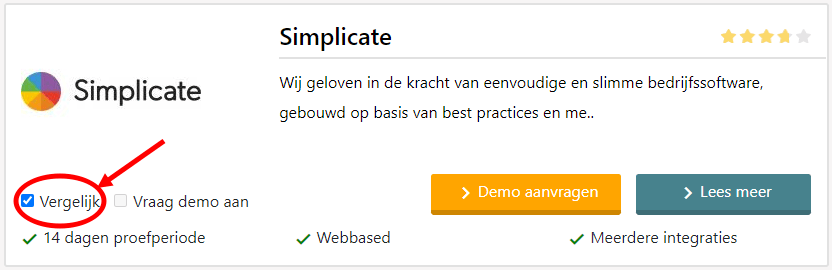
With SoftwareWatcher it is easy to compare search results with each other by ticking the "Compare" box. See the image below:
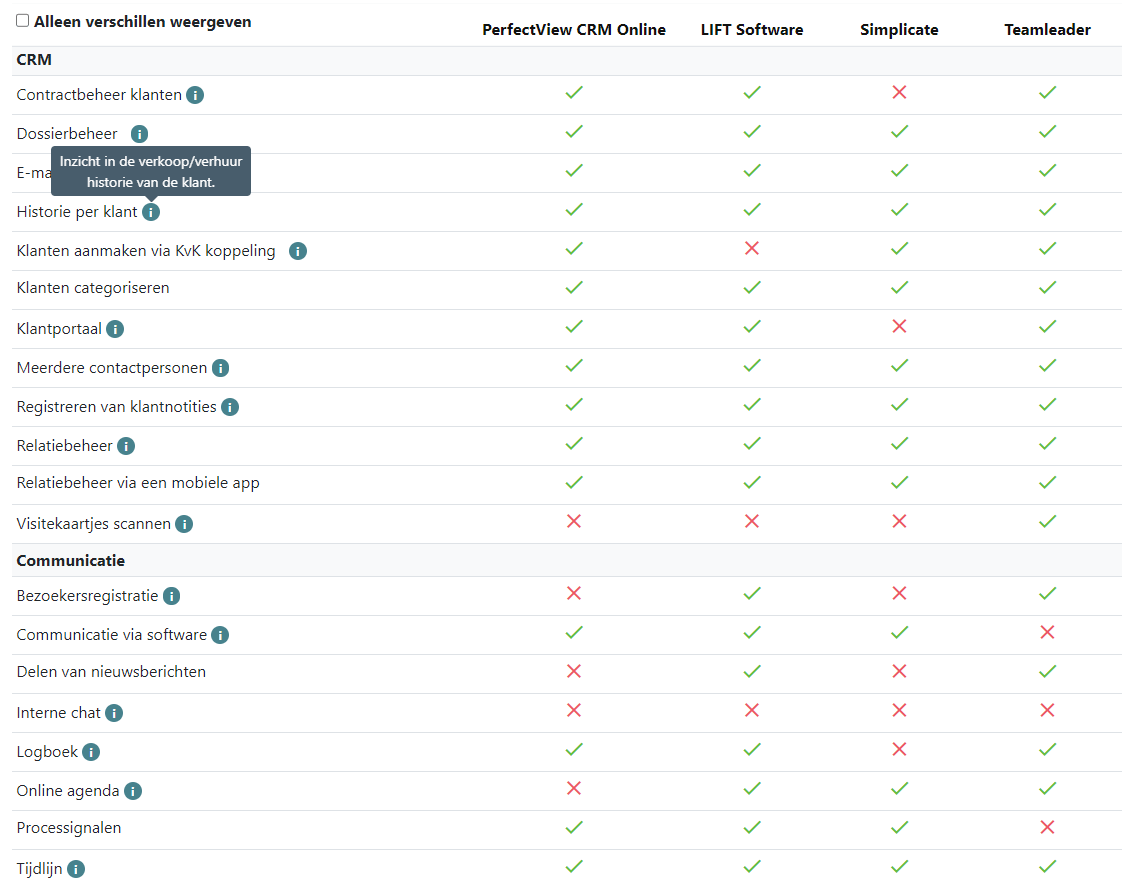
Once you have selected the business software you want to compare and have clicked "Compare" at the bottom right, you get an overview similar to the image below.
Searching, comparing and selecting business software
Are you convinced of the added value of business software? Are you curious which business software suits your company? Or do you want to find out whether your software integrates with your current software systems? Then click the "View categories" button, choose a business software category and compare all business software.
Would you like help finding a suitable software system? Then start the software selection with the “start software selection” button below, select the software features relevant to your company and find the software that suits your company.
If you still can't work it out, you can always call us. We will gladly help you on your way to finding the right business software for your company.
Software advice from SoftwareWatcher
Do you need advice on the best software? Get in touch now and we will draw up a list of the best software for your organisation.
Non-binding and without obligation