
Invoice processing
Automatic invoice processing: from incoming invoice to approved posting
How does automatic invoice processing work from receipt to booking? Compare built-in recognition with specialised software for purchase invoices.

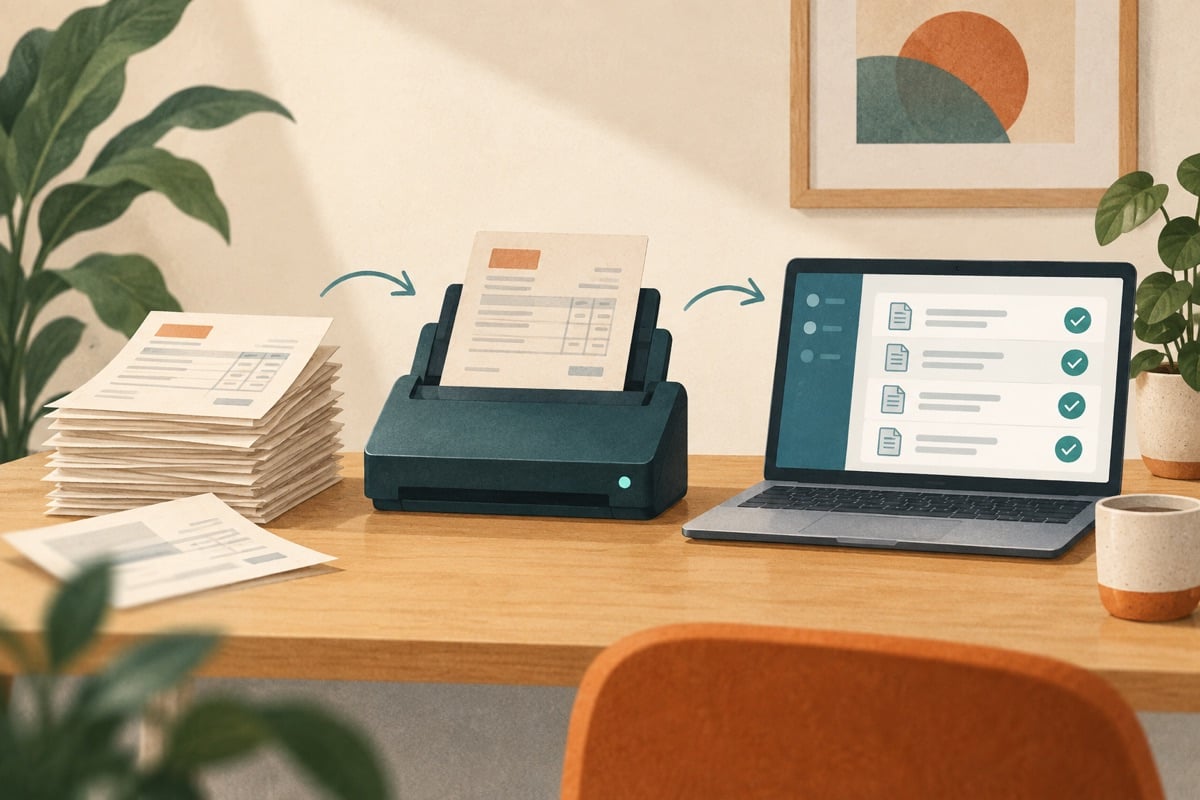
From an incoming invoice to an approved booking, several steps are needed. See which ones you can automate, where checking remains necessary and when specialised invoice processing adds something to your accounting package.
The five steps in the invoice processing chain
You can assess the processing of purchase invoices in five steps. Who carries out the step and what happens automatically differs per set-up:
- Receipt: determine via which mailbox, scan app or e-invoice connection documents come in. Designate one main route per supplier to prevent duplicate entry.
- Data extraction (OCR): Text recognition reads the fields from the document, such as supplier name, invoice number, invoice date, VAT percentages and total amount.
- Checking and coding: determine supplier, general ledger account and cost centre. If you work with orders, you also check the order and receipt. Have it demonstrated which parts the software can compare.
- Approval workflow (fiattering): Responsible budget holders receive a notification to review and approve the invoice digitally via a portal or app.
- Booking and payment: agree when the invoice is booked, when it becomes payable and which system prepares the payment. This can happen in separate systems; check the handover.
For more background information see our page on invoice processing software and the explanation of Scan & Recognise solutions.
Built-in recognition versus specialised software
First check which recognition your current financial package already offers. For example, the AFAS documentation on Scan & Recognise describes that the standard module recognises documents at header level (such as supplier, date, invoice number and total amount). For organisations with simple service invoices without detailed order lines, this functionality is often perfectly adequate.
Organisations that buy trade goods every week with varying delivery notes, several items per invoice or complex approval rules, on the other hand, often choose specialised invoice processing software. The documented state of affairs at relevant providers as of 10 September 2026:
- Zenvoices: According to the Zenvoices documentation on invoice processing, the platform supports automatic processing and recognition at line level. Zenvoices documents the receipt of electronic invoices via Peppol (please note: sending invoices via Peppol is not documented for Zenvoices). Commercial claims about accuracy and time savings come from the supplier. Read more in our Zenvoices explanation.
- Whitevision: According to the Whitevision integration documentation, this provider specialises in deep integrations with systems such as AFAS, with support for document processing, order matching and line-level processing. See our Whitevision overview.
- Basecone: A widely used solution among SMEs and in accountancy that integrates with various accounting packages, with an emphasis on approval and a structured document flow. See our Basecone profile.
Use three deviating invoices in the trial
The situations below are fictional demonstration tasks. They are not results of a test with supplier software.
Two lines with different destinations
A supplier invoices €1.200 for parts and €80 for documentation, before any VAT. The costs must go to two departments. Show how the lines are recognised and assigned, and how you correct a wrong split. Do not expect recognition to know the correct internal cost centre automatically.
An invoice in dollars
Use a fictional invoice of $4.500. Check where the currency and exchange rate are recorded and which system does the conversion. Ask which exchange rate date is used and where an employee can investigate a difference. An integration alone does not prove that both systems use the same rate.
A partial delivery
You order a hundred parts at €10 each, receive eighty and get an invoice for all hundred. No credit note has been received yet. Have it checked how the €200 discrepancy becomes visible and which payment is blocked as a result. Then add a credit note of €200 and check the remaining item.
For each task, record how much input and correction work is needed. For a cost comparison, also include the time for exceptions. Fast recognition is worth little if an error then has to be fixed in three places.
The approval workflow and the audit trail
An important part of invoice processing is preventing payments without internal permission. With an approval matrix you determine who is authorised to approve invoices:
Example approval matrix (fictional model):
- Invoices up to € 750: Automatic approval if there is a 100% match with an approved purchase order.
- Invoices from € 750 up to and including € 5.000: Approval required by the relevant department manager.
- Invoices above € 5.000: Double approval required by department manager and finance director.
Check whether the log records the relevant actions: who uploaded the document and when, what changes were made and which manager gave approval. Have an auditor assess whether the log and the linked source documents give sufficient insight.
Selection criteria for invoice processing software
Use the table below during a demonstration to determine which solution suits your purchasing volume:
| Selection criterion | Standard OCR in accounting package | Specialised add-on | Question for the supplier |
|---|---|---|---|
| Recognition level | Often limited to header level (total amount, date) | Support for line level and item splitting | Can the software automatically split several VAT rates on one invoice? |
| Order matching | Often limited to manual checking | 2-way or 3-way matching with purchase orders and delivery notes | How does the system flag price and quantity differences against the order? |
| Approval flows | Simple approval by one person | Complex workflows with threshold amounts and several approvers | Can approvers approve documents via a mobile application? |
| Peppol status | Varies per package | Often support for receiving via the Peppol network | Is Peppol receipt included as standard or is there a surcharge per invoice? |
| Integration with financial package | Directly integrated in its own database | Integration via API with synchronisation of master data | How often is master data (suppliers, ledgers) synchronised? |
Selection advice for your organisation
For simple service invoices, the built-in recognition of your accounting package is a logical starting point for a trial. If the volume grows, or you deal with goods purchasing, delivery note matching and several budget holders, a specialised platform such as Zenvoices or Whitevision deserves serious consideration to keep control of the accounts payable.


