
Project administration
Combining time tracking and invoicing: which software prevents duplicate work?
Do you log your hours and want to invoice straight away? Compare standalone time tracking apps, accounting software and project packages to prevent duplicate administrative work.

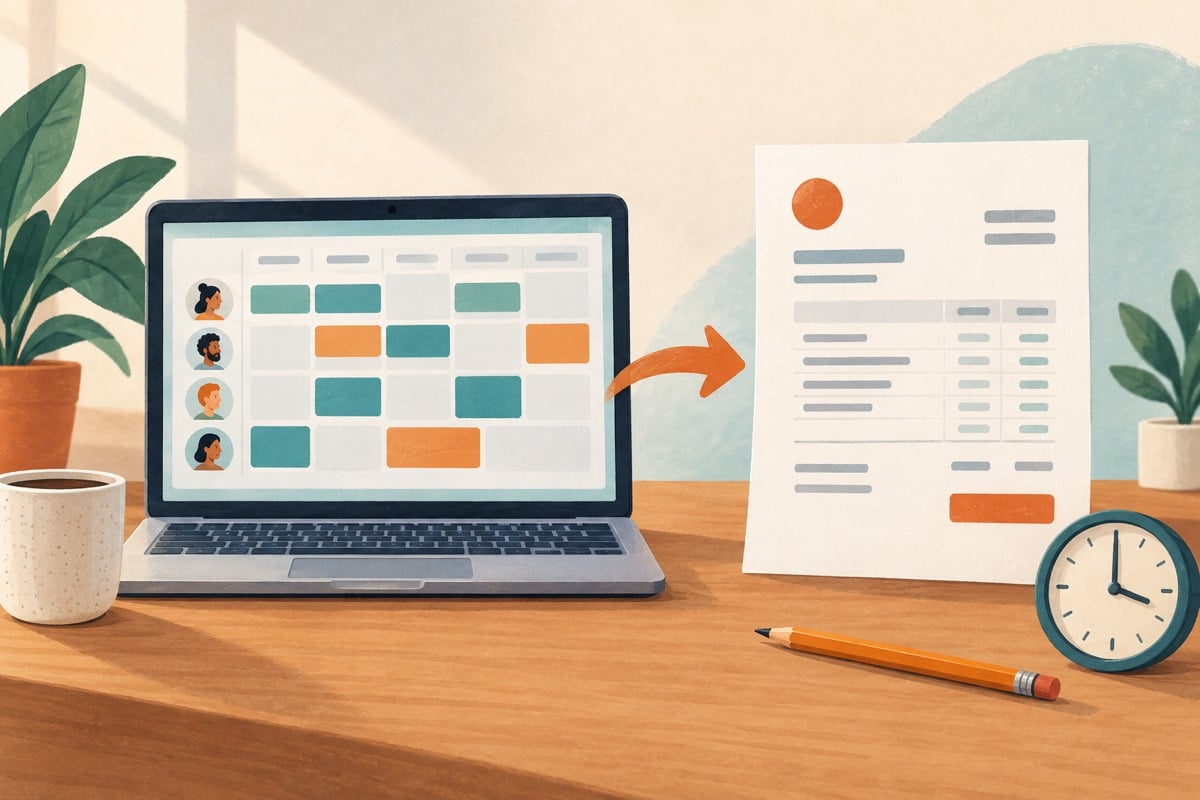
If you retype hours worked onto invoices, you create double work. See how you can connect registration, approval and invoicing, and which data must come along. With an example in which the hours worked exceed the agreed budget.
The route from hour worked to sales invoice
For many business services providers, invoicing hours is the heart of the business. Yet in practice the process between recording time and sending the invoice is often fragmented. In structured project administration, an hour worked goes through five consecutive steps:
- Time recording: The employee records hours worked against a specific client, project and activity, with a description for the client.
- Checking and approval: The project manager or supervisor assesses whether the hours fall within the agreed working arrangements and approves the entry.
- Budget monitoring: The administration checks that the agreed hours budget or fee ceiling is not exceeded.
- Generating an invoice proposal, if set up: Approved time entries are automatically prepared as a draft invoice, including the accompanying hours breakdown.
- Sending and financial posting: After a final check, you send the sales invoice to the client and the invoice is processed in the accounting system, directly or via a controlled integration.
As can be seen from WeFact's explanation of invoicing hours, what business owners mainly want is a smooth transfer of recorded time to sales invoices without manual cutting and pasting. How smoothly that goes depends heavily on how your contracts are structured.
Fixed price versus time and materials: what does your invoicing model need?
The requirements you place on software are determined by the contract types you agree with clients. Service providers often use several models side by side.
Time and materials, and hourly work
On projects billed on a time-and-materials basis, you invoice the hours actually spent multiplied by the agreed hourly rate. The software must be able to send detailed hours breakdowns as an invoice attachment. Important functionality includes setting rounding rules (such as rounding to quarter hours) and being able to mark hours as non-billable. That way non-billable hours remain visible in the internal project evaluation, but do not end up on the client's bill.
Fixed price (Fixed Fee)
With a fixed project price, you invoice in instalments or milestones agreed in advance, regardless of exactly how many hours your team spends. Here, time tracking is not for the invoice lines but for monitoring your own margin. You want to know how many hours the delivery actually cost compared with the quoted amount. The software must be able to book hours against a fixed project budget without those hours ending up on the invoice as separate items.
Hybrid project arrangements
In many assignments both forms are mixed: the basic set-up is done at a fixed price, while extra requests are carried out on a time-and-materials basis. Project administration software must be able to separate different sub-tasks or phases within one file, so that fixed instalments and hours worked end up on the invoice in the right way.
Fictitious scenario: budget monitoring on a consultancy assignment
To demonstrate how connected software helps with budget overruns, we look at a fictitious worked example of a business consultancy with three employees.
The consultancy signs an agreement with the following fictitious terms:
- Phase 1: Preliminary research and analysis for a fixed price of € 3.500 excluding VAT.
- Phase 2: Support during implementation on a time-and-materials basis with an agreed budget ceiling of € 4.500 excluding VAT.
- Rates: Senior consultant € 120 per hour, Junior adviser € 75 per hour.
During the implementation phase, the team books the following hours in the system:
- Senior consultant: 25 hours at € 120 = € 3.000 excluding VAT.
- Junior adviser: 24 hours at € 75 = € 1.800 excluding VAT.
- Total registered value of hours in phase 2: € 4.800 excluding VAT.
The registered value is €300 above the ceiling. Use this as a trial task: does the software show this overrun before sending? If you do not invoice four junior hours, the invoice value is 25 × €120 + 20 × €75 = €4.500. Keep the 24 junior hours actually worked and record the reason for not invoicing them. Do not afterwards change those hours into a different type of work to make the outcome fit.
Selection criteria for software set-ups
Business owners can choose from three different software set-ups to organise time recording and invoicing. The table below shows the options you can compare during a demonstration.
| Selection criterion | Accounting with time module | Standalone time tracking app with integration | Integrated project software |
|---|---|---|---|
| Primary target group | Self-employed business owners and small service providers | Teams with specific timer requirements | Agencies and project organisations |
| Rate structures | Often limited to a fixed rate per client or employee | Rates can be set per project or employee | Differentiated by role, phase, client and surcharges |
| Budget monitoring | Simple or not present | Often focused on hour ceilings per task | Real-time insight into hours, costs and expected margins |
| Hours accounting | Standard line list on the invoice | Exportable reports via CSV or PDF | Detailed attachments with task descriptions |
| Management complexity | Low; all data is directly in one administration | Medium; synchronisation has to be checked | Higher; requires clear set-up of project structures |
Which software set-up suits your organisation?
Which set-up gives the most peace of mind depends on the number of employees recording hours and the complexity of your pricing arrangements.
1. Accounting package with built-in time tracking
For self-employed business owners and compact service providers, it is convenient to keep time tracking and invoicing in the same program. In Moneybird, for example, users can record hours worked directly against contacts and projects, after which these hours are converted into sales invoices with a few clicks. The platform offers several subscriptions (such as Compact, Start, Groei and Compleet) with varying numbers of users and banking features. That way you avoid having to manage several separate software packages.
2. Specialised time tracking app with integration
When your team mainly needs fast mobile entry, clear weekly timesheets and handy timers without everyone needing access to the financial administration, a dedicated time tracking app is the answer. With an application such as Project Hours you record times worked per project in a clear way. Via export files or integrations, you then pass the approved hours on periodically to your invoicing package.
3. Integrated project management software
Organisations that work with several project teams, use subcontractors and manage planning and profitability usually choose complete project software. As the product information on the Gripp trial page shows, this platform is aimed at agencies that want to bring quotations, project planning, time tracking and invoicing into one coherent system. For larger business advisory firms that also want far-reaching control over complex rate models and reporting structures, Vertec provides modular solutions in which hours accounting connects seamlessly to project management and invoicing.
Compare the different systems in our overviews of project management software and time tracking software to decide which approach best fits your workflow.
Step-by-step plan: linking hours and invoicing successfully
If you want to move to a connected way of working, follow these four practical steps:
- Take stock of contract types: Map out what share of your revenue comes from fixed project prices and what share runs on time and materials.
- Record rate agreements: Decide whether you work with hourly rates per person, per job role or per client agreement.
- Test the invoice integration in a demo: During a trial period, check how recorded hours end up on the draft invoice and whether the hours breakdown meets your clients' wishes.
- Agree an approval procedure: Make sure it is clear who within the team is responsible for checking and approving hours written before invoicing starts.
Moneybird describes how hours are recorded and invoiced. Also assess Gripp as project software when budgets and planning need to be part of the same process.


