
CRM and ERP
CRM or ERP: which system do you need and when both?
Choosing a CRM or an ERP system? Discover the differences in business processes, look at three scenarios and decide which software fits your organisation.

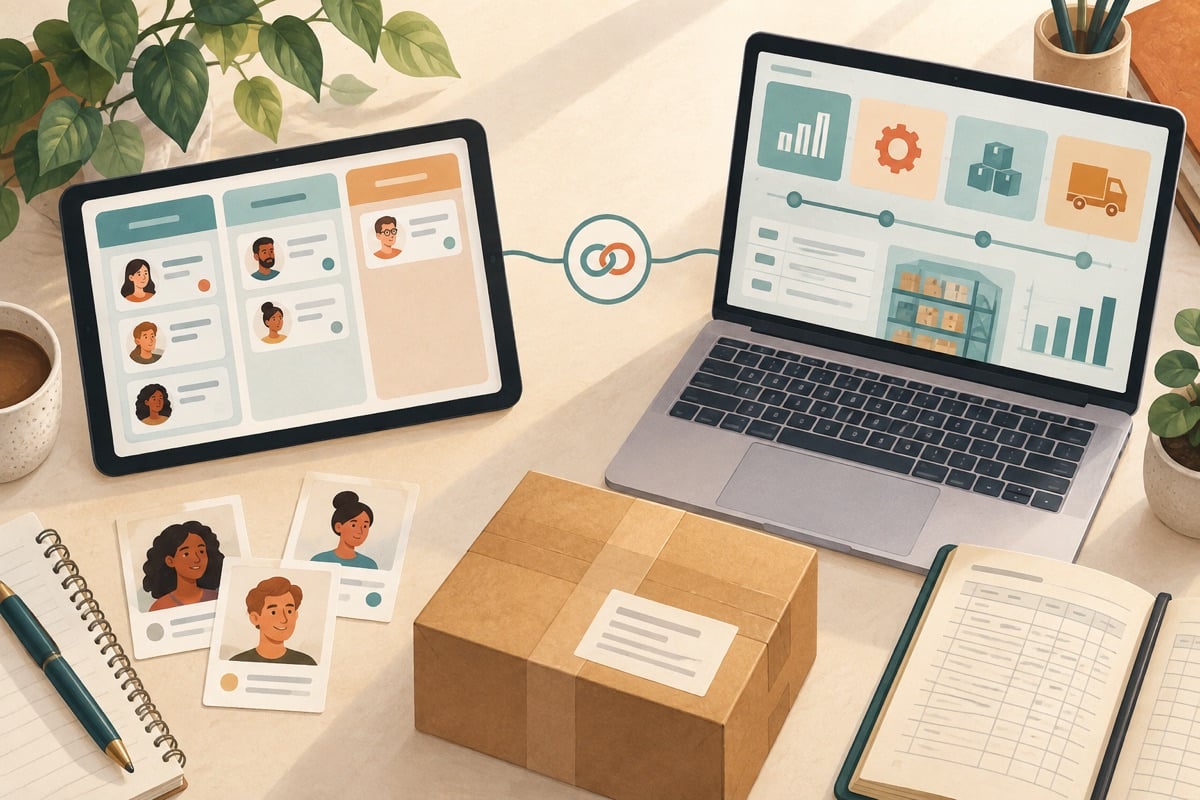
CRM helps with customer contact and sales; ERP connects processes such as purchasing, inventory, projects and administration. The functions can overlap. Using three fictional companies, we look at which data you want to manage together and when an integration is useful.
The core tasks of CRM and ERP side by side
The distinction between CRM (Customer Relationship Management) and ERP (Enterprise Resource Planning) touches on the difference between your commercial outside and your internal organisation. A CRM system supports interactions with potential and existing customers. You record contacts in it, follow up quotation processes and monitor commercial goals.
An ERP system structures operational execution. It manages inventory, drives purchasing processes and forms the foundation of financial reporting. As software supplier SAP describes in its explanation of ERP versus CRM, CRM primarily supports interaction with customers and the sales process, while ERP brings together business processes such as purchasing, inventory, production and accounting in one central database.
An integration can synchronise data. Also agree who checks the input and who fixes an error in the handover.
Data flows from sales opportunity to financial settlement
To determine which software is needed, look at the route customer and order data take through your organisation. The table below is one possible division of tasks between a CRM system and a full ERP system:
| Business process | Role of the CRM | Role of the ERP | Data exchange |
|---|---|---|---|
| Lead follow-up & Acquisition | Recording contacts, origin and conversation notes | Not leading in this example | CRM is leading for contact data |
| Pipeline management & Opportunities | Phasing of sales conversations and weighting percentages | Rough capacity estimate | Sales opportunity triggers resource planning |
| Quotation management | Drawing up quotation based on price agreements | Check on stock availability and cost prices | ERP supplies current item prices; CRM creates quotation |
| Order processing | Change status to final approval | Creating order confirmation, delivery note and planning | Customer and order lines flow from CRM to ERP |
| Inventory & Purchasing | Not leading in this example | Generate warehouse reservation and purchase orders | ERP manages stock levels and suppliers |
| Time tracking & Projects | Consult hours estimate from proposal | Book actual hours, post-calculation and invoicing | Quotation agreements become project budget in ERP |
| Financial administration | Insight into outstanding invoices for account management | Invoicing, general ledger, VAT return and accounts receivable | Financial payment status links back to CRM |
Three practical scenarios worked out
The choice between a CRM, an ERP or a combined set-up depends on your business model. We look at three recognisable business situations.
Scenario 1: Business consultancy billing by the hour
A consultancy sells strategic hours and projects. There is no physical stock or complex supply chain. The main need is following up quotation processes and recording the project hours worked.
First investigate whether project software such as Gripp or a CRM with a suitable time-tracking integration covers the tasks needed. Include additional ERP modules if there is a concrete need for them.
Scenario 2: Technical wholesaler with assembly
A wholesaler supplies technical parts from its own warehouse and assembles customer-specific modules. As soon as a customer makes an enquiry, it must be immediately clear which components are in stock, what the manufacturers' lead times are and what assembly capacity is available.
In this environment a stand-alone CRM falls short. An integrated ERP system such as AFAS ERP or Exact forms the core of business operations here. In a demonstration, have one sales order run through the warehouse order, reservation and purchasing requirement. Check which modules and set-up are needed for that. A separate CRM without a direct warehouse integration would lead to manual retyping and stock discrepancies.
Scenario 3: B2B organisation with long commercial processes
A business service provider with several account managers deals with decision-making processes lasting many months. There is a need for detailed recording of decision makers, contact moments and marketing campaigns, while the financial administration runs stably in a separate accounting package.
Here a best-of-breed set-up is practical. The sales team works daily in an advanced CRM such as Efficy CRM to structure sales opportunities and networks. Only when a deal is definitively signed does an API integration send the debtor and contract data to the back-end accounting system for periodic invoicing.
Cost structure and a vendor-neutral worked example
Comparing CRM and ERP costs requires a careful look at the functional scope. A CRM licence focuses primarily on commercial roles, whereas an ERP licence can include modules for purchasing, warehouse management, time tracking and finance. A direct price comparison without equalising the modules gives a distorted picture.
The fictional worked example below shows the total cost of ownership over a period of three years for an organisation with twenty software users:
| Cost item | Model 1: CRM front office only (fictional worked example) | Model 2: Integrated ERP system (fictional worked example) | Model 3: Modular connected landscape (fictional worked example) |
|---|---|---|---|
| Monthly licences (20 users) | € 800 / month (€ 28.800 / 3 years) | € 2.200 / month (€ 79.200 / 3 years) | € 2.600 / month (€ 93.600 / 3 years) |
| Implementation and set-up (one-off) | € 5.500 (fictional) | € 26.000 (fictional) | € 31.000 (fictional) |
| Integration and API maintenance | € 0,00 (no integration) | € 0,00 (one database) | € 6.500 (over 3 years) |
| Training and user instruction | € 2.500 | € 7.500 | € 8.500 |
| Total fictional costs over 3 years | € 36.800 | € 112.700 | € 139.600 |
Decision tree: which software do you choose when?
Work through the following practical steps to determine the right direction for your organisation:
- Do you manage physical stock, items or assembly? Then investigate inventory or trade software, possibly as part of ERP, that supports the order and inventory steps you need.
- Do you sell only services or project hours? Then investigate project software or a CRM with time tracking and invoicing. Also check budget monitoring and reporting.
- Do several sales staff work on complex sales opportunities? If so, get a full CRM to record quotations, contacts and interaction history centrally.
- Do different departments work with the same data? If so, choose an integrated ERP package or set up a tested two-way integration between your CRM and financial administration to prevent duplicate data entry.
Selection advice for your organisation
Choose a specialised CRM such as SuperOffice or Efficy when strengthening relationships, sales follow-up and pipeline insight are your main goal and your back office functions stably in existing software. Choose a complete ERP system such as AFAS when you want to unite business processes around purchasing, projects, personnel and finance in one central data source.


