
AFAS invoice processing
Processing invoices in AFAS: its own Scan & Recognise, Whitevision or Zenvoices?
Choosing AFAS Scan & Herken, Whitevision or Zenvoices? Compare header recognition, line splitting, order matching and approval workflows for your purchase administration.

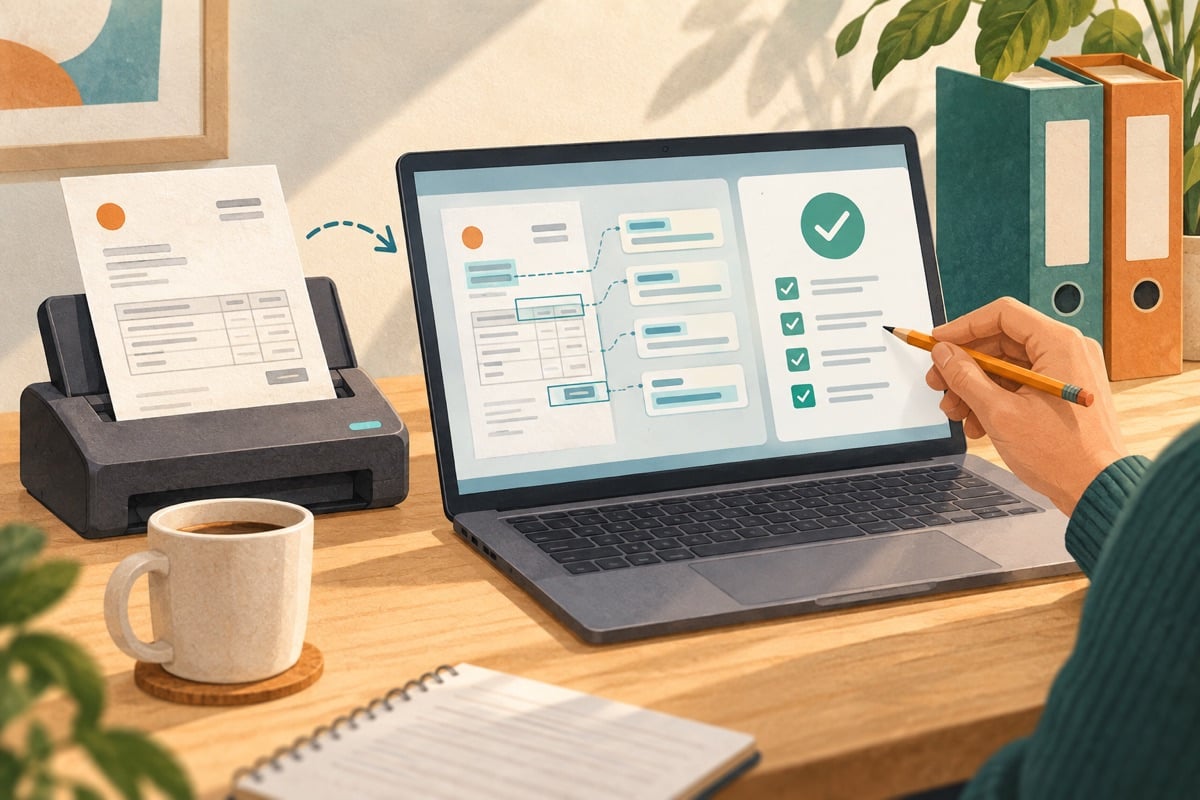
Is the built-in invoice recognition of AFAS Profit enough, or do you need extra software? Compare Scan & Herken, Whitevision and Zenvoices on document type, lines, matching and approval. With three fictitious tasks for a demonstration.
Start with the kind of invoices you process
An invoice with a single cost amount places different demands than a delivery with twenty item lines, three cost centres and a partial receipt. So do not just count the number of documents. Look at where employees split up data, investigate a difference or wait for approval.
For AFAS Profit you can compare the built-in Scan & Herken function with additional invoice processing software. Below we compare the documented starting points of AFAS, Whitevision and Zenvoices. The example tasks were written by us; they are not results of a product test.
What does the product documentation say?
AFAS Scan & Herken: recognition at header level
On the page about Scan & Herken, AFAS states that the built-in PDF recognition in Profit works on the invoice header, not on lines. The function is a free addition under fair use for your own company. Activation and set-up are still needed.
Distinguish between PDF recognition and the processing of structured e-invoices. AFAS also describes automatic matching when a supplier delivers UBL including lines, via the processing of e-invoice lines. Comparing only header recognition with all the capabilities of an external solution would present the existing AFAS functionality too narrowly.
Whitevision: lines and order invoices
On the page about the AFAS integration, Whitevision describes, among other things, processing at line level, allocation to cost centres and cost carriers, and matching with purchase orders and deliveries. Ask which edition and set-up of Whitevision are needed for this.
That makes the solution a candidate when you have to allocate many lines or check order invoices. It does not yet prove how well your unusual documents are processed. Use a representative set for that and have the exceptions handled as well.
Zenvoices: Profit and an SB integration in beta
The documentation on Zenvoices with AFAS Profit describes line recognition, authorisation and three-way matching: comparing invoices with orders and receipts. The separate AFAS SB page still calls the integration beta on our date of checking. So treat availability for SB as a separate selection point.
For every integration, ask which features your chosen subscription supports and who takes care of the set-up. An integration with two AFAS products does not mean the capabilities are the same in both.
A comparison with three demonstration invoices
For the tasks below, create fictitious invoices in a test environment. Agree the expected posting in advance with the administration. Amounts are before any VAT; the examples are about allocation and matching.
| Example | Expected check | What you have demonstrated |
|---|---|---|
| A subscription of €300 with one cost centre | Supplier, date, number and amount are correct | Reading in, checking, approving and retrieving in AFAS |
| Two lines of €200 and €100 for different teams | Both lines remain recognisable; total €300 | Allocating to two cost centres and correcting a wrong allocation |
| Order 60 units at €10; receipt 50; invoice 60 | The difference of 10 units and €100 becomes visible | Have the discrepancy assessed without assuming the full delivery |
Then submit the first invoice again under a different file name. See whether a possible duplicate is flagged. Then issue a credit against the third invoice. Check whether it can be linked to the original item and whether the remaining obligation stays understandable.
For the order invoice, also compare a PDF with a structured UBL version. An extra package can add value mainly with one delivery format. So ask how many of your suppliers can already deliver the other format before you buy extra software.
Approval, exceptions and licences
Have every candidate show the same approval route. In a fictitious company, the administration checks the posting and a budget holder assesses the delivery. Above an internally chosen limit of €2.500, the finance manager also reviews it. The limit is an example, not a general rule.
Test what happens when the budget holder is absent, an invoice is rejected or a document changes after approval. Ask where the original attachment, comments and earlier steps can be found. Also check whether a payment block is retained as long as a discrepancy remains open.
Then include the users in the quotation: who already works in AFAS, who only needs to approve and who manages the integration? Have the supplier write out the rights and licences needed. A separate portal is only a cost advantage once the complete set-up and management are included.
Receiving Peppol is one part of the process
Zenvoices documents receiving invoices via Peppol. For each candidate, check how receipt, registration and forwarding to AFAS are arranged. Ask about sending separately if you need that too.
A structured message prevents you from having to extract fields solely from an image. It can still contain a wrong price, an unknown order or a duplicate invoice. Use the same checks for content and approval. Read on in our guide to Peppol software.
When is extra software worth it?
First investigate the existing Profit features if you mainly receive simple PDF invoices or usable UBL documents. Put Whitevision and Zenvoices on the shortlist if line allocation, order matching or a different approval route creates a lot of work. For SB, explicitly include the beta status of the Zenvoices integration.
During a trial, measure the number of corrections and the time until a posting is ready. Convert that result to your monthly volume and compare the saving with licences, set-up and management. Via the profiles of Whitevision and Zenvoices you can take the next step towards the supplier. First compare the same invoices and have it recorded which features are actually delivered.


